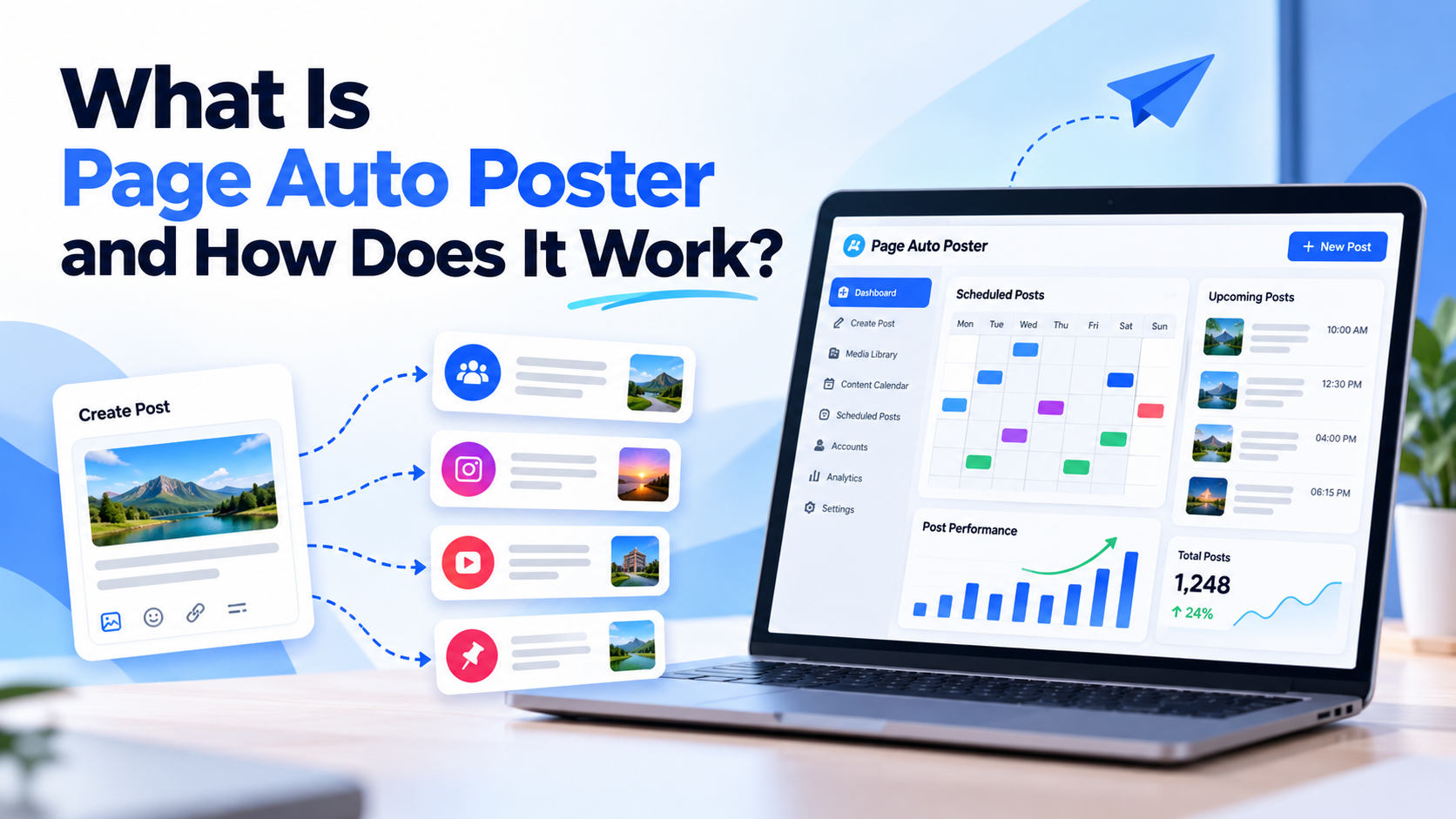
Posting to several social platforms by hand means switching tabs, rewriting captions and remembering to hit publish at the right time. Page Auto Poster is built to take that repetitive work off your plate. This guide explains what it is, what you can do with it and how a typical workflow looks.
What Page Auto Poster does
Page Auto Poster is a social media automation platform. You connect your accounts, create content, and then either schedule posts for a specific date and time or set up automation rules so posts publish on their own. It currently supports three platforms: Facebook, Instagram and Pinterest.
Creating content in one place
Instead of preparing every post in a different tool, you can create content directly in the dashboard. The content tools cover four formats:
- Text: generate captions and hashtags from a keyword or topic, plus titles and descriptions for Pinterest.
- Images: turn an idea into a ready-to-post image.
- Carousels: build a multi-image post.
- Video: create short vertical videos for reels from a keyword and caption.
If you already have your own artwork or photos, you can upload them and use them instead of generated images.
Scheduling and automation
There are two ways to publish. For a one-off post, choose a date and time and schedule it. For ongoing publishing, set keywords, content types and a schedule for each connected account, and the platform publishes automatically based on those rules. Because each account has its own rules, a Pinterest account and a Facebook Page can follow completely different rhythms.
Pinterest-specific features
For Pinterest, you connect your account, choose the boards your Pins should go to, create or upload your Pin images and schedule them. The Pinterest page describes the full flow, and the dashboard also includes publishing history and Pinterest analytics for your connected account.
Tracking results
After posts go live, the Analytics section helps you follow how your content is performing, so you can see what deserves repeating. Publishing history shows what has been published and when.
How billing works
Page Auto Poster uses a wallet model: you pay per post rather than a subscription. See the pricing page for current details.
A simple first-week workflow
- Sign up and connect the platform you care about most.
- Generate one text post and one image post from a keyword related to your business.
- Schedule both for different days and times.
- Check publishing history and analytics at the end of the week.
- Set up an automation rule for the content type that worked best.
Who it is for
Page Auto Poster suits creators, small businesses and anyone who wants a steady presence on Facebook, Instagram and Pinterest without daily manual work. You do not need design or technical skills to get started. For more detail on the steps, visit How It Works.
Share This Article
Was this article helpful?
Let us know so we can keep improving our guides.