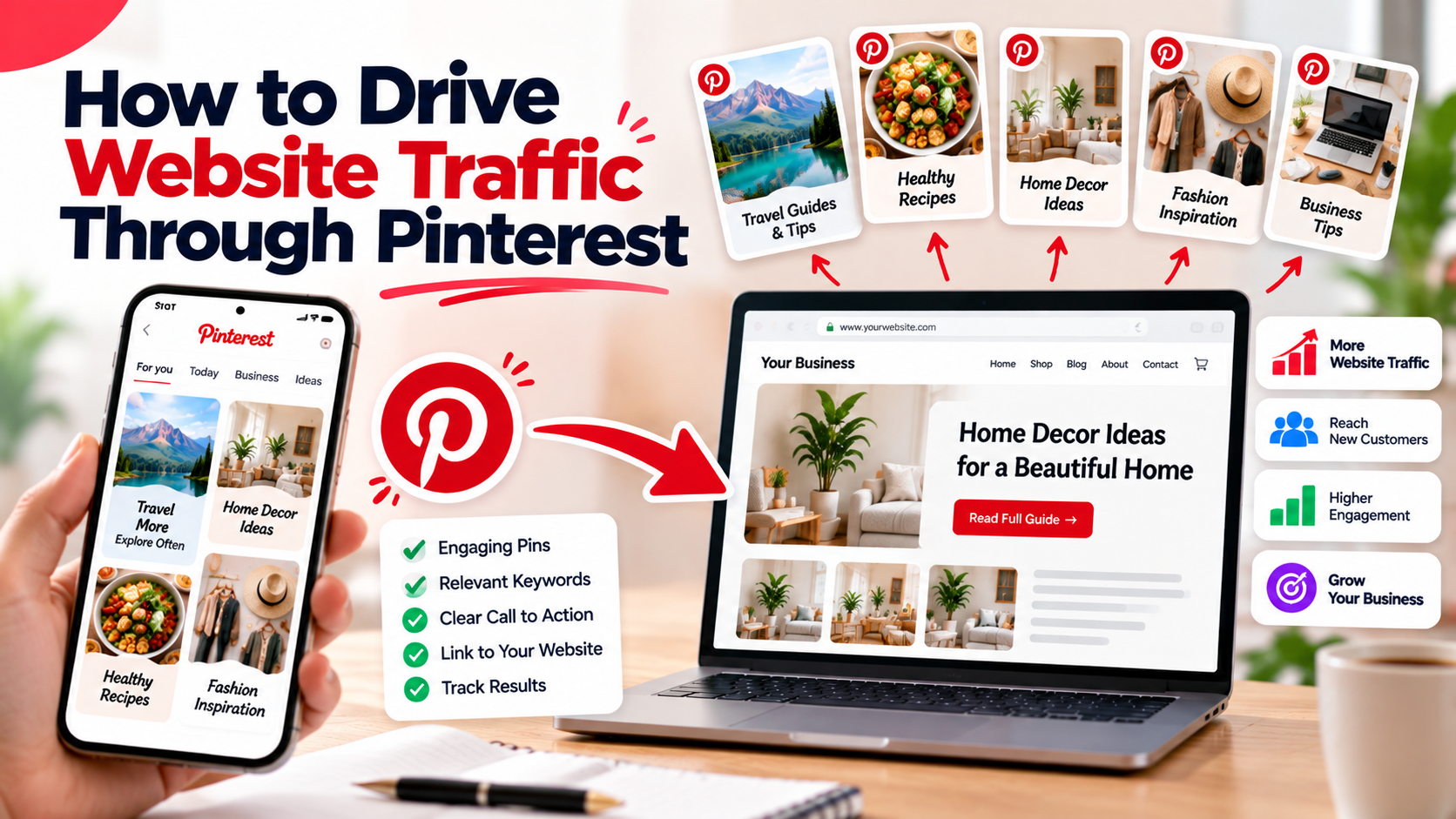
Pinterest is one of the few social platforms where nearly every piece of content is designed to lead somewhere. Each Pin can link to a page on your website, which makes it a natural source of visitors if you set things up carefully.
Start with the destination
Before creating a Pin, decide which page it will send people to. Good destinations include:
- A specific product or collection page.
- A blog post that answers a question.
- A landing page for an offer or sign-up.
Avoid sending every Pin to your homepage. A specific page that matches the Pin gives visitors what they expected.
Match the Pin to the page
The Pin image, title and description should accurately describe the destination. If a Pin shows a step-by-step guide, the link should lead to that guide. A mismatch causes people to leave quickly and does nothing for your relationship with visitors.
Write text that invites the click
- State what the viewer will get: a checklist, a recipe, a comparison, a template.
- Use a short, readable headline on the image.
- Describe the benefit in the description rather than only repeating the title.
Prepare the landing page
Traffic is only useful if the page works for it. Many Pinterest users are on mobile, so check that the page loads quickly, displays properly on a phone and makes the next step obvious. Include an image that matches the Pin so visitors recognise they are in the right place.
Publish consistently
Traffic from Pinterest usually builds as your library of Pins grows. Create multiple Pins for your most valuable pages, with different images and headlines, and schedule them over time. Page Auto Poster lets you prepare Pins in advance and publish them to your selected boards automatically.
Track what sends visitors
Look beyond impressions. In Page Auto Poster, the Pinterest analytics show impressions and engagement for your connected account, and the Traffic Analytics area reports clicks on tracked links where they are used. Pair this with your website analytics tool to see how Pinterest visitors behave once they arrive.
Questions to ask in your review
- Which Pins received the most clicks?
- Which landing pages held visitors' attention?
- Which topics should get more Pins next month?
Use UTM parameters when appropriate
If you use a website analytics platform, consider adding campaign parameters to your links so that traffic from Pinterest is easy to identify in your reports.
Be patient and iterate
Do not expect overnight results. Treat Pinterest as a long-term channel, learn from each batch and keep improving your Pins and pages. You can find a broader overview on our Pinterest page.
Share This Article
Was this article helpful?
Let us know so we can keep improving our guides.